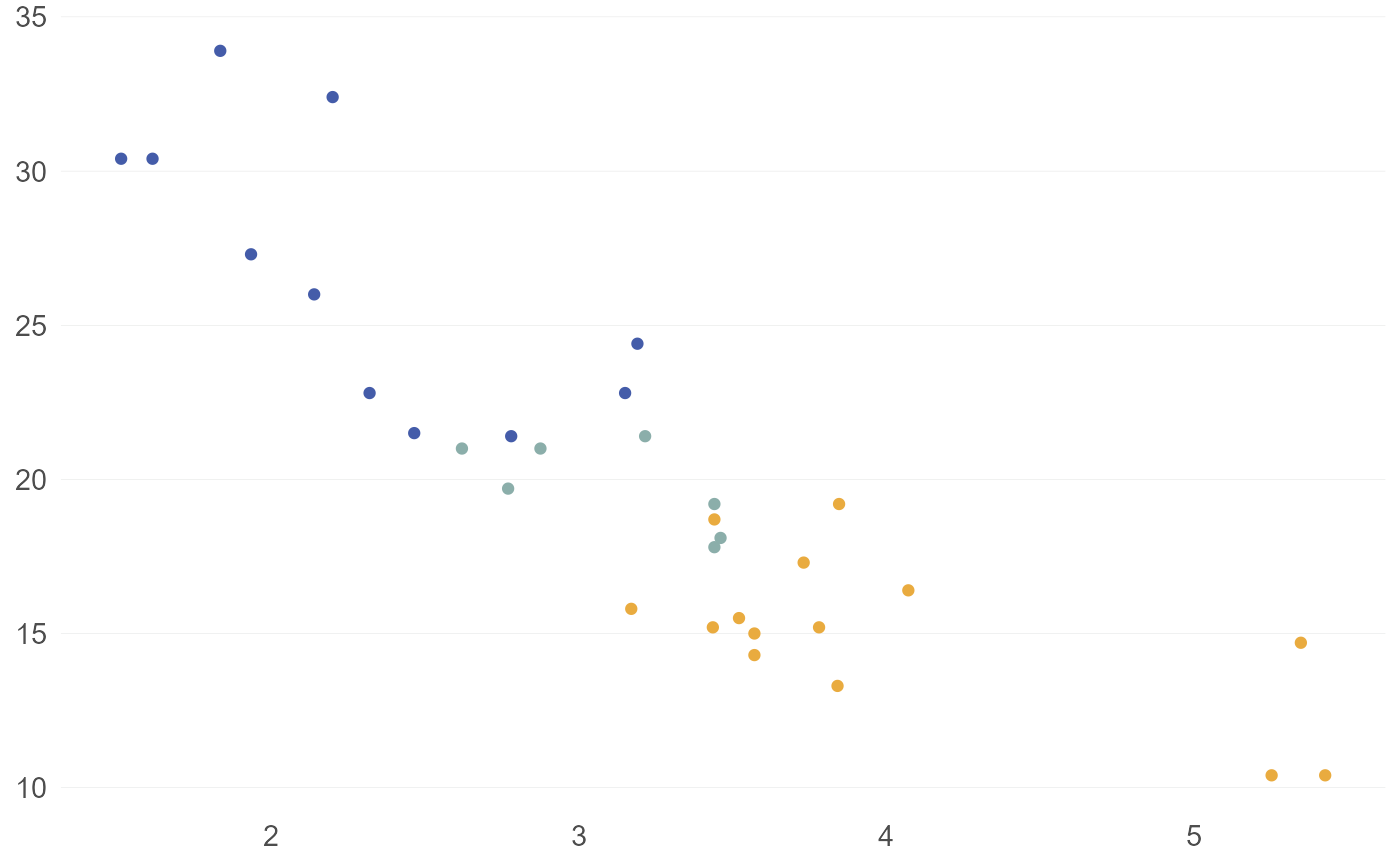
Use an HDAdvisors-branded ggplot2 theme
Usage
theme_hda(
  base_size = 14,
  base_family = "Lato",
  flip_gridlines = FALSE,
  output_format = NULL,
  html_adjust = 4,
  pdf_adjust = 7,
  ...
)
Arguments
- base_size
The base size of text elements; defaults to 14
- base_family
The base font family; defaults to "Lato"
- flip_gridlines
Orientation of major gridlines; defaults to FALSE for y-axis
- output_format
Optional manual specification of output format
- html_adjust
Amount subtracted from base_size for HTML output; defaults to 4
- pdf_adjust
Amount subtracted from base_size for PDF output; defaults to 7
- ...
Additional arguments passed to ggplot2::theme()
Value
A ggplot2::theme() object.
Details
When overriding strip text under ggplot2 >= 4.0, use
ggtext::element_markdown(), never a raw ggplot2::element_text(): the
branded strip element is a ggtext markdown element, and ggplot2 4.0 only
merges theme elements of the same class.
The theme alone carries HDA's brand identity into an otherwise
unbranded plot: bar/column fills, point colors, and line colors default
to hda_colors["Blue"] (via ggplot2::element_geom()), a discrete
aes(colour =)/aes(fill =) mapping cycles through the full HDA
palette, and a continuous mapping uses the HDA sequential ramp
(see scale_color_hda_c()) — all with no scale_*() call required.
An explicit scale_*() (or a manual aes() value) always overrides
these theme-carried defaults.